Photos in.
Estimate out.
Snap the job, add a short description, and get a priced, editable estimate with labor, materials and markup — ready to send before you leave the driveway.
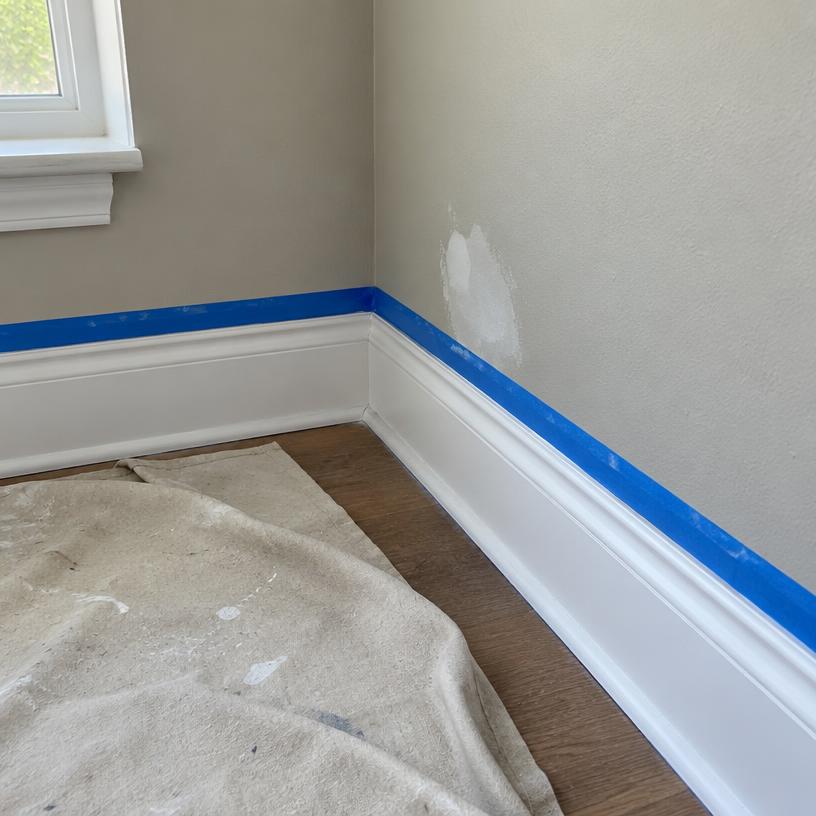
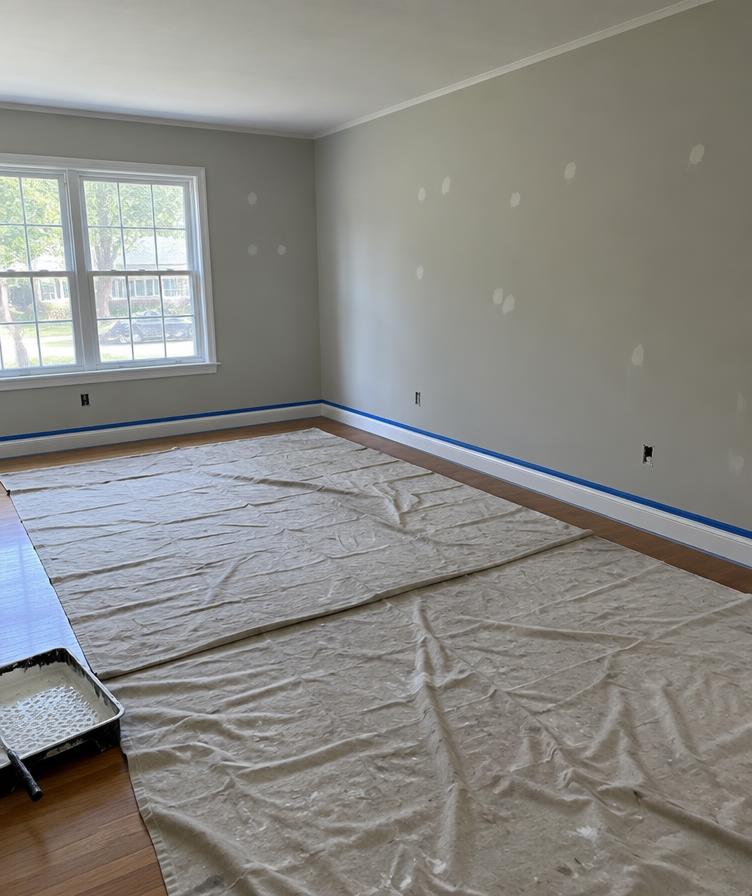
Three steps, one quote on the hood of your truck
Snap photos of the job
Walk the space and take a few photos — walls, trim, problem spots. No measuring tape math.
Add a short description
Type or say what's needed: rooms, surfaces, coats, prep level. A sentence is enough.
Get a priced estimate in seconds
An itemized draft with labor, materials and markup — edit anything, then send it.
A real estimate, not a template
Every number below is editable — tweak a rate or add a line, and the totals update instantly.
| Description | Qty | Rate | Amount |
|---|---|---|---|
| Prep, patch & mask | 8 hr | $62 | $496 |
| Walls & ceilings — prime + 2 coats | 26 hr | $72 | $1,872 |
| Trim, doors & baseboards | 14 hr | $72 | $1,008 |
| Premium interior paint | 8 gal | $74 | $592 |
Made for painters who'd rather be painting
Estimates in seconds, not evenings
Photos plus a short description become an itemized quote before you leave the driveway.
Every line is editable
Change quantities, rates, or wording. The AI drafts it; you stay in control of the numbers.
Good / Better / Best options
Present three priced tiers so clients choose the scope — instead of shopping your quote.
Branded PDF, ready to send
Your logo, contact info and terms on a clean PDF. Send it by text or email on the spot.
Built only for painters
Prep levels, coats, square footage, gallons — the vocabulary of the trade, not generic AI.
Type it or say it
Describe the job however is fastest on site. Both work. No office time required.
Simple pricing.
Try it on a real job, then upgrade when you're ready.
Free
- 5 AI estimates
- Photo + description estimates
- Editable line items
- Good / Better / Best options
- PDF export
Pro
Recommended- Unlimited AI estimates
- Saved company profile and logo
- Branded PDFs
- Estimate history
- Markup controls
- Priority generation
Questions painters ask
How does it create an estimate from photos?
Upload a few job photos and add a short description of the work. The AI reads the photos and description, then drafts square footage, surfaces, prep, labor, materials, and a priced estimate you can edit.
How accurate is it?
It’s a strong first draft, not a final bid. Always check the square footage, labor hours, and material quantities before you send it. You can tap any line and change it.
Can I edit the estimate before sending?
Yes. Every line item, quantity, rate, markup, and Good / Better / Best option is editable. Nothing goes to a homeowner until you say so.
Does it work on my phone at the job?
Yes. It’s built to use on site. Take photos, add a description, generate the estimate, then export a PDF from your phone. You’ll need a connection to generate and export.
What’s included in Free vs Pro?
Free includes 5 AI estimates, editable line items, Good / Better / Best, and PDF export. Pro is $39/month and includes unlimited estimates, saved company profile and logo, branded PDFs, and estimate history.
Can I use my own labor and material rates?
Yes. Change any rate or markup on an estimate. As you edit, the totals update so the quote matches how you actually price jobs.
What if I already use another estimating tool?
Run one real job through it. Upload the photos, generate the estimate, and compare it to what you use now. If it’s faster and close enough to edit, keep using it. If not, you can cancel.
Can I cancel anytime?
Yes. No contract and no minimum term. Cancel from billing in your account whenever you want.
Is my client data secure?
Your estimates and customer details stay in your account. We don’t sell your data or use it to train public AI models. You can delete an estimate or your account at any time.
Do homeowners see that this was made with AI?
No. They see a branded estimate from your company. You review and edit it first, then export the PDF.
Quote the next job from the driveway
Free to start. Your first estimate takes under a minute — just photos and a sentence.